Nano Banana 2 AI Image Generator
Create AI images with Nano Banana 2 and Google Search grounding. Generate real-time, accurate visuals in 2K and 4K quality with multiple aspect ratios.
Community Showcase
Explore prompts and results created with Nano Banana 2. Showing 8 of 8.
Prompt Market
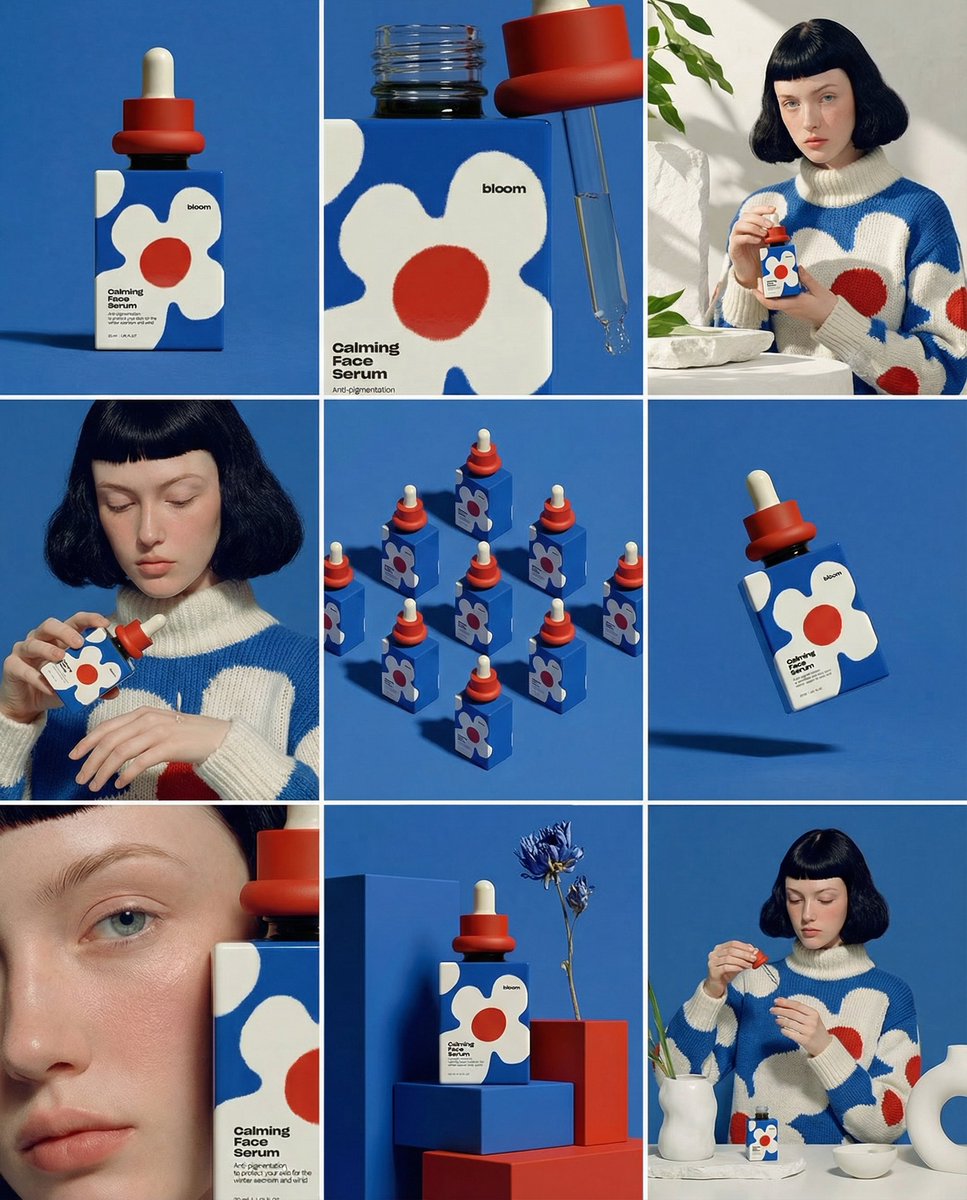
Daria Surkova
Create a multilingual product poster with precise translated text, realistic packaging, and clean editorial layout.
2K output · Google grounded
Product & Brand
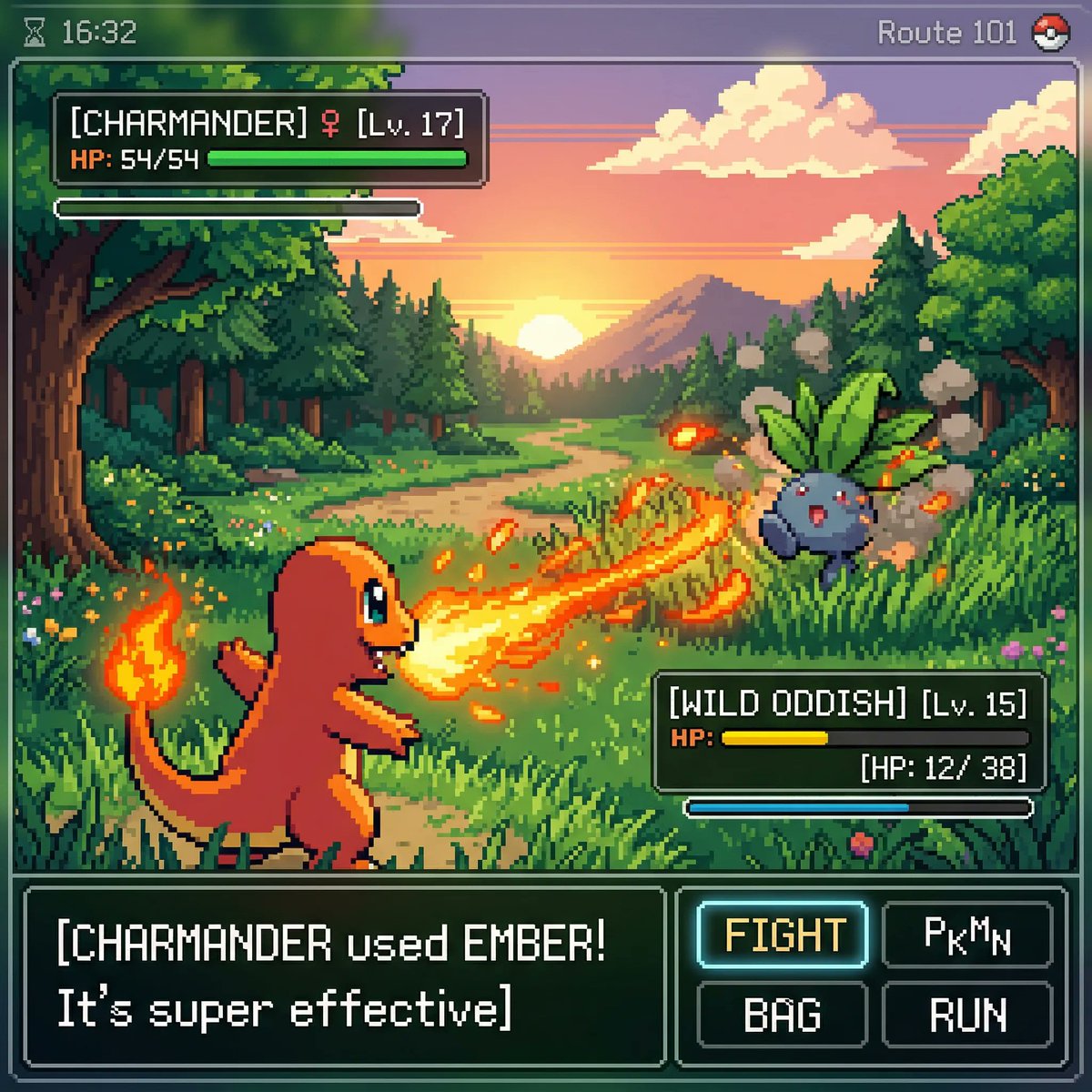
proper
Generate a brand campaign image with real-time visual accuracy, polished lighting, and highly legible product details.
Twitter Pick
Fashion
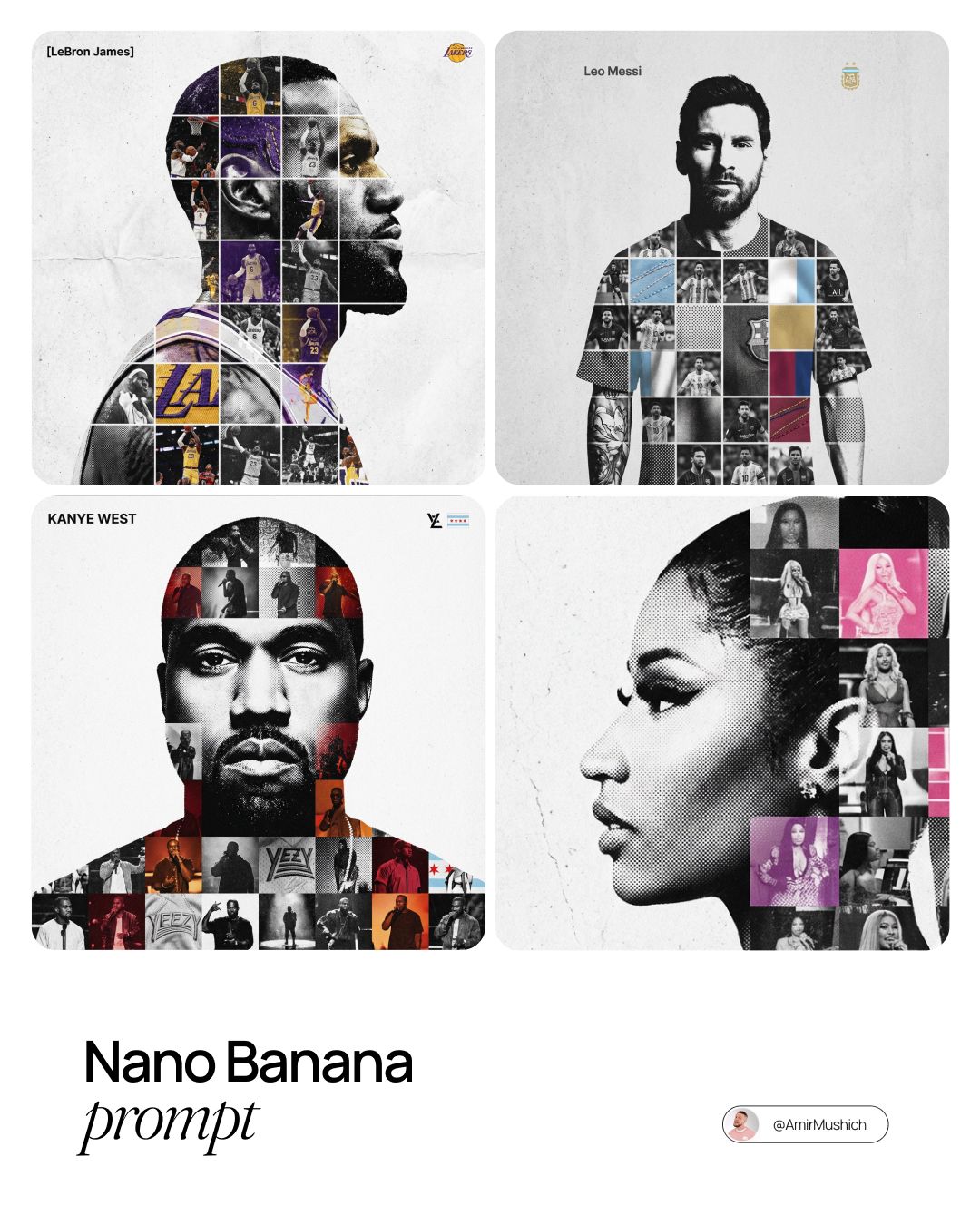
AmirMušić
A luxury fashion editorial image with precise garment texture, accurate accessories, and cinematic studio background.
User Pick
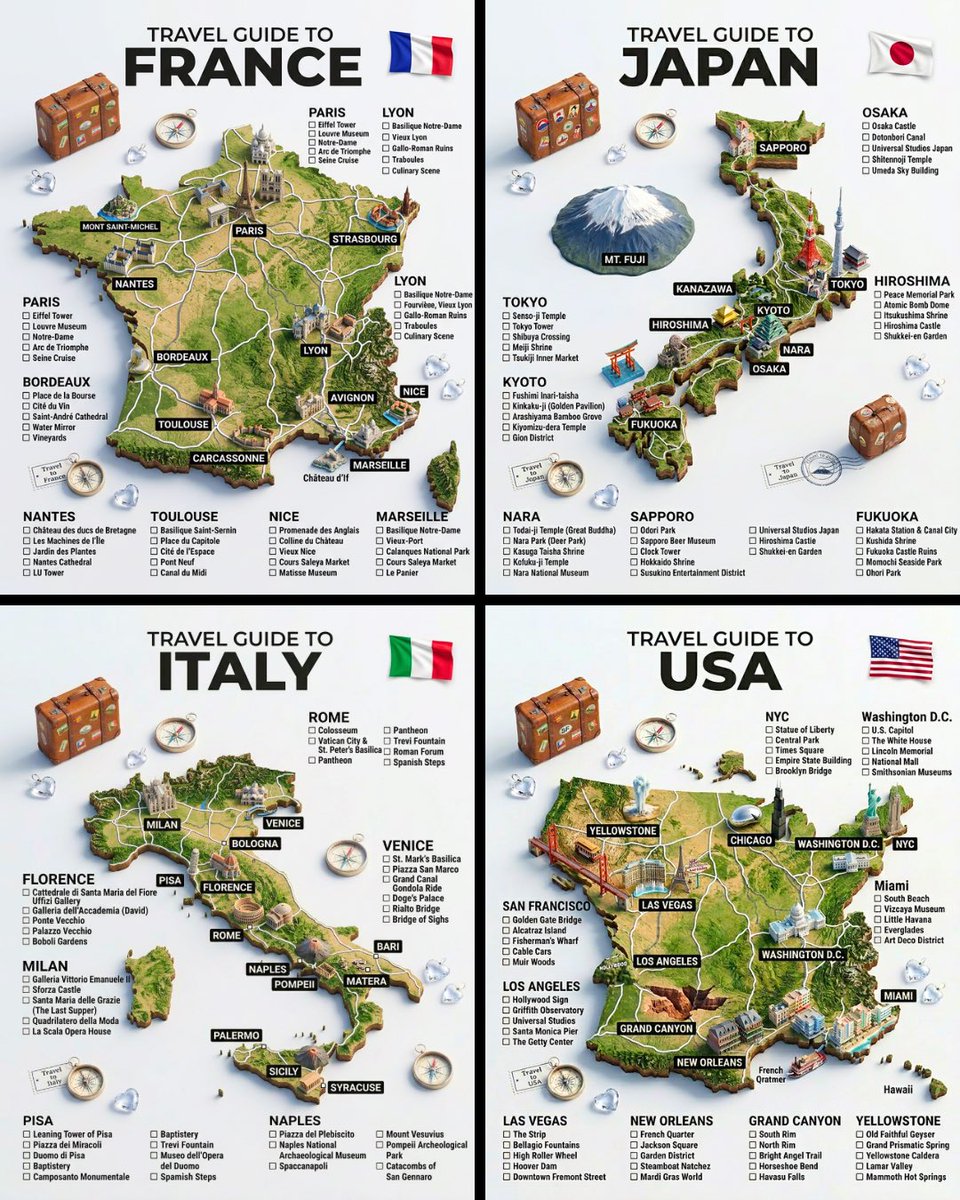
Portrait
TechieSA
Create a dramatic portrait with grounded reference details, natural skin texture, and premium publication styling.
4K ready
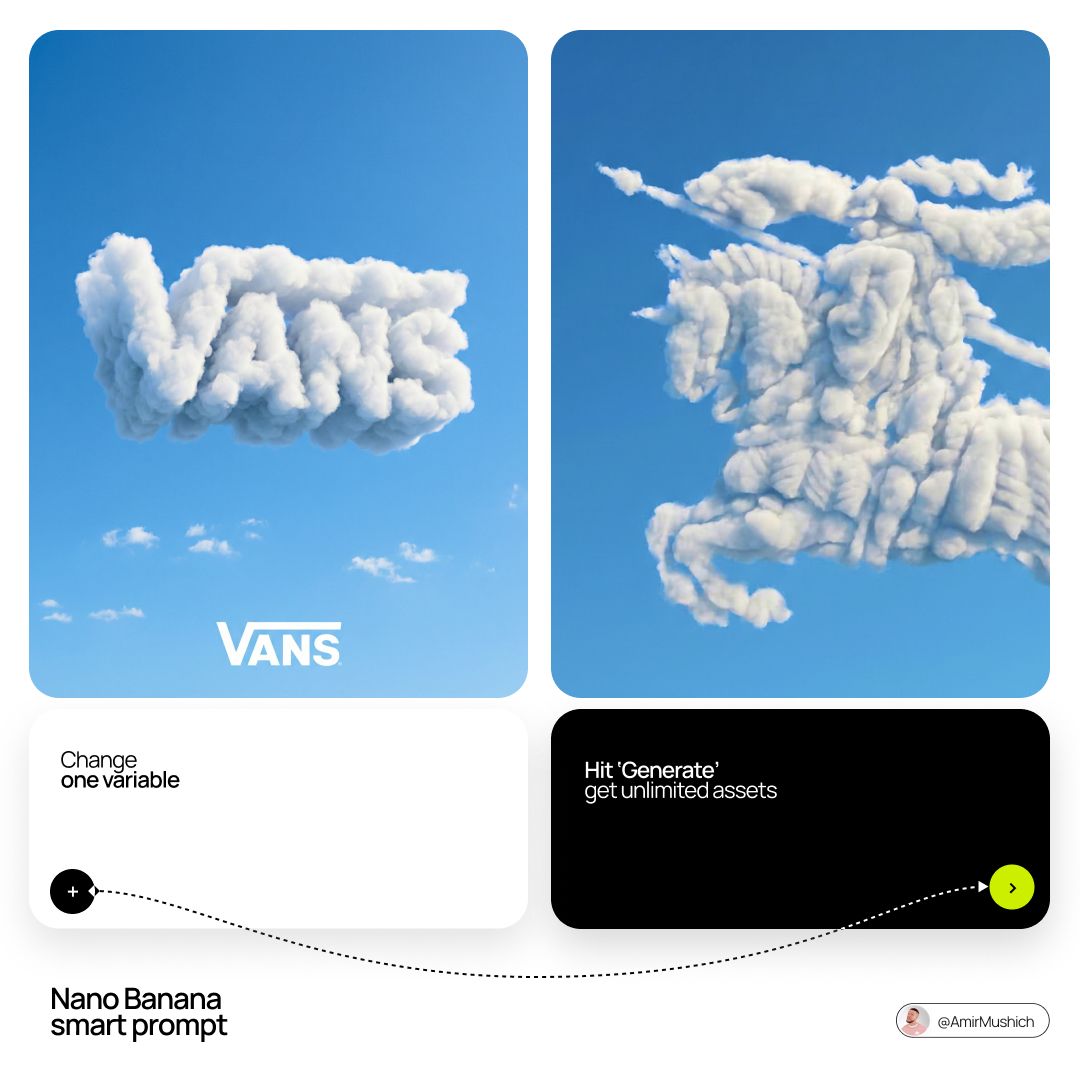
Poster
AmirMušić
A clean visual poster with accurate object details, bright product lighting, and search-grounded context.
My Works
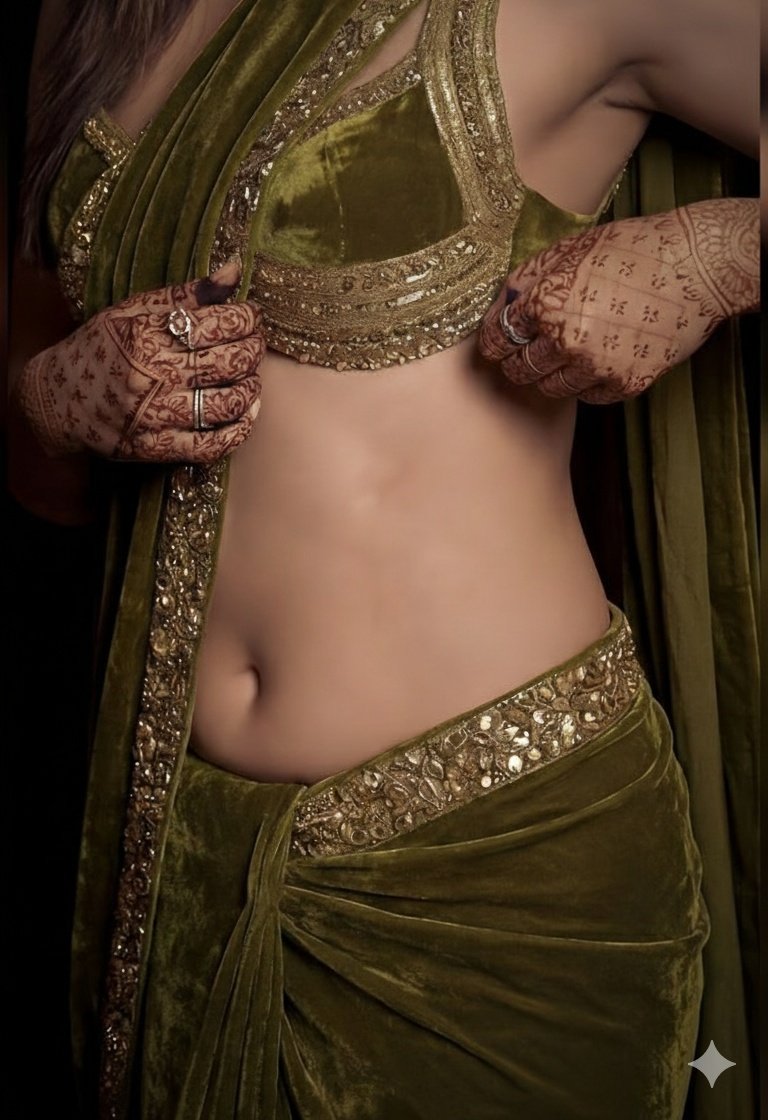
Scene Edit
FLORA
Transform the reference into a cinematic scene while preserving subject identity, typography, and composition.
Edit mode
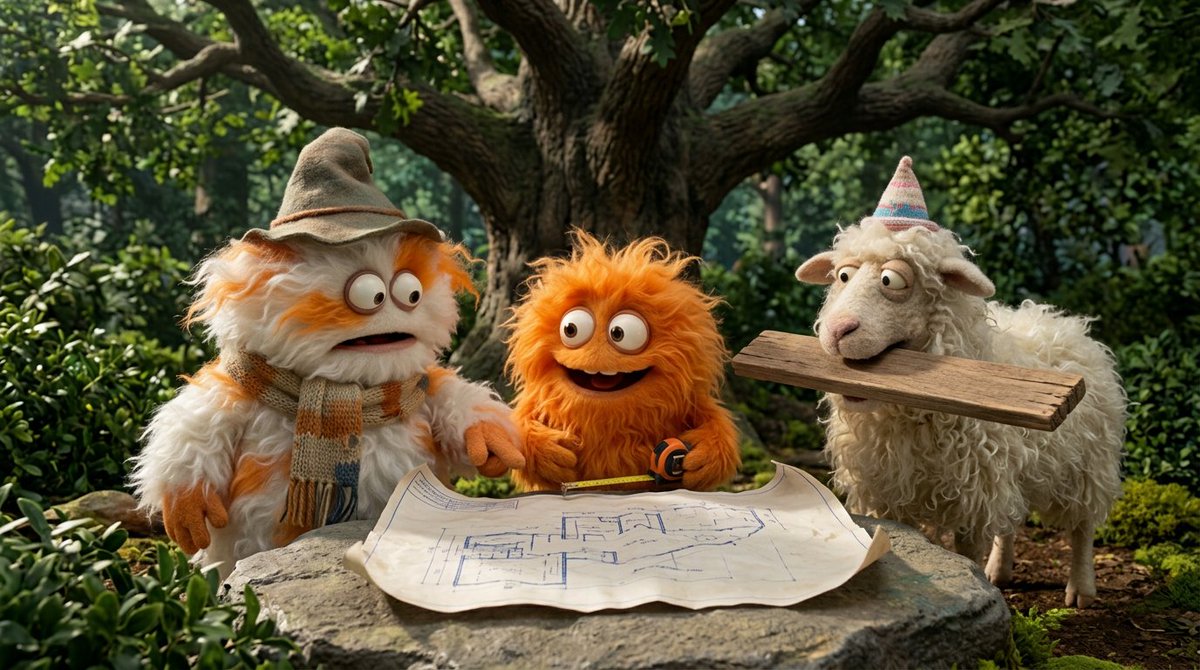
Campaign
Google AI
Generate a wide campaign hero with accurate real-world context, layered depth, and clean whitespace for copy.
16:9
Concept
Nano Banana Pro
Create a detailed concept image with grounded references, crisp material rendering, and controlled output format.
2K · jpg
Nano Banana 2 with Google Search grounding
Nano Banana 2 is built for accurate, grounded image generation with reference inputs, multiple output resolutions, and reusable community prompts. The workflow keeps Generate/Edit, prompt cards, output controls, and result actions in one long creator page.
What is Nano Banana 2?
Nano Banana 2 is an image generation model that supports reference images, aspect ratios, search grounding, and 1K/2K/4K output.
What is Google Search Grounding?
The Google Search toggle sends a grounding option to the Kie model so prompts can use fresher real-world context when supported.
How many credits does it cost?
Credits are handled through the existing AI task service and model cost settings.
Can I edit existing images?
Yes. Upload a reference image and describe the edit you want.
How is it different from Nano Banana Pro?
Nano Banana 2 emphasizes search grounding and accurate real-time visuals, while Nano Banana Pro focuses on the Pro image workflow.