
Multi-Dimensional AI Video Composer
Upload multiple reference images and combine them with creative prompts to let AI deeply understand your visual logic and generate expressive motion graphics.
Video Generator
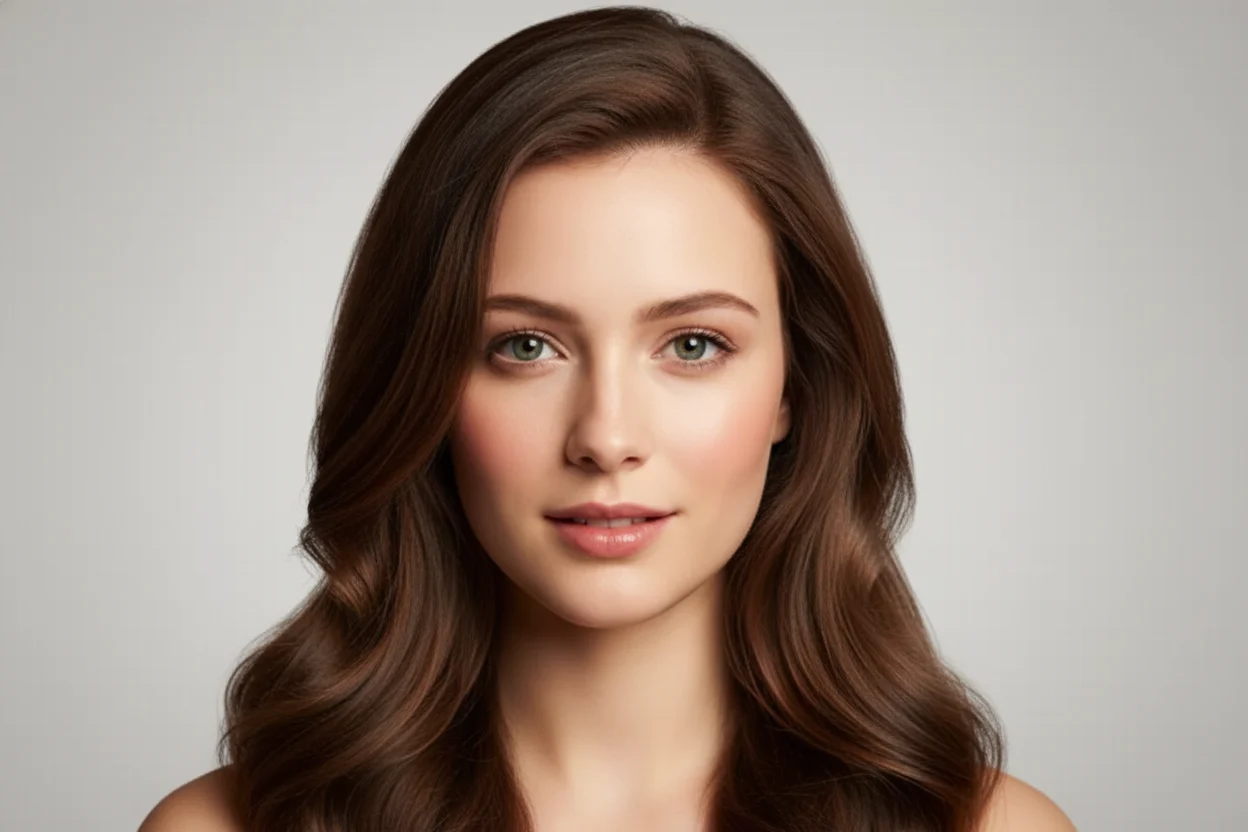
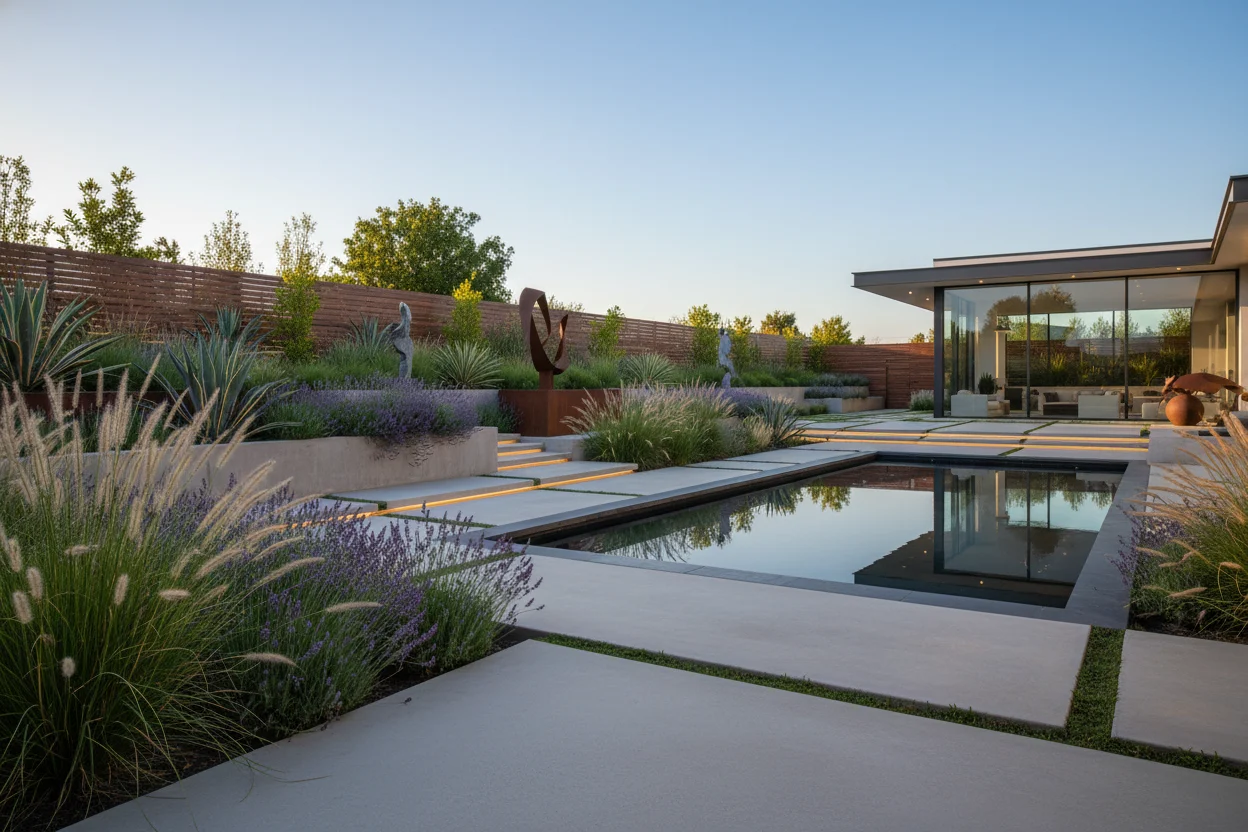

Add natural audio to the generated video
Sample video – upload your images to create your own video.
Nana Banana Pro AI Usage Guide
A simple four-step flow from idea to finished image. Nana Banana Pro powers fast, reliable creative workflows. Nana Banana Pro keeps visual direction consistent.
Describe your vision
Describe your vision
Define subject, style, lighting, and key details to guide the output.
Add reference images
Add reference images
Optionally upload references to lock composition and style.
Generate and preview
Generate and preview
Create multiple candidates in seconds and compare results.
Export your favorites
Export your favorites
Download the best results and reuse them in your projects.
Ready to Start Your Nana Banana Pro AI Journey?
Join thousands of creators who are already using Nana AI Studio to bring their creative visions to life. Start generating stunning AI images today with our powerful and intuitive platform. Nana Banana Pro powers fast, reliable creative workflows. Nana Banana Pro helps teams ship assets faster.
Classic Scenarios
Nana AI Studio covers common video scenarios and helps you deliver high-quality clips fast. Whether you are creating ads, content, training, or demos, our AI video generator keeps output professional and consistent.
Start-End Frame Control
Fine-tune the beginning and ending of your AI video for cinematic transitions. Upload start and end frames so the model understands your intent and produces a smoother, more complete sequence.
Multi-Video References
Guide visual direction with multiple reference clips. Keep characters, lighting, and color consistent so each generation stays on-brand and visually coherent.
Native Audio and SFX
Add natural audio that matches motion and timing. Enhance immersion with synced dialogue, ambience, and effects that make the clip feel more real.
Extend Video Duration
Go beyond short clips by extending sequences smoothly. Keep motion and narrative flowing while lengthening videos without abrupt cuts.
Character Consistency
Maintain consistent identities and styling across frames. Provide reference footage so characters stay recognizable throughout the sequence.
Smart Scene Transitions
Generate smooth transitions between scenes, time shifts, and mood changes. Keep storytelling cohesive with AI-driven cuts and pacing.
Start Creating for Your Industry Today
Whether you're in marketing, education, entertainment, or any other field, Nana AI Studio adapts to your workflow. Join creators worldwide who trust our AI image generator for their most important projects.
Nana Banana Pro AI FAQ
Core answers about Nana AI Studio image generation and editing. Nana Banana Pro powers fast, reliable creative workflows.
What is Nana AI Studio designed for?
Nana AI Studio combines AI image generation and editing into a fast, reliable workflow covering prompt, edit, and export.
Do you offer free credits?
Yes. Daily free credits cover core generator/editor features, while upgrades unlock higher resolutions and batch workflows.
Can brand colors stay consistent?
The generator recognizes ICC/HEX, and the editor lets you lock palettes before publishing.
Do you support multilingual prompts?
Nana AI Studio normalizes prompts from any language and syncs localized copy inside the editor.
How fast is generation?
Images are ready in seconds, and edits update in real time.