
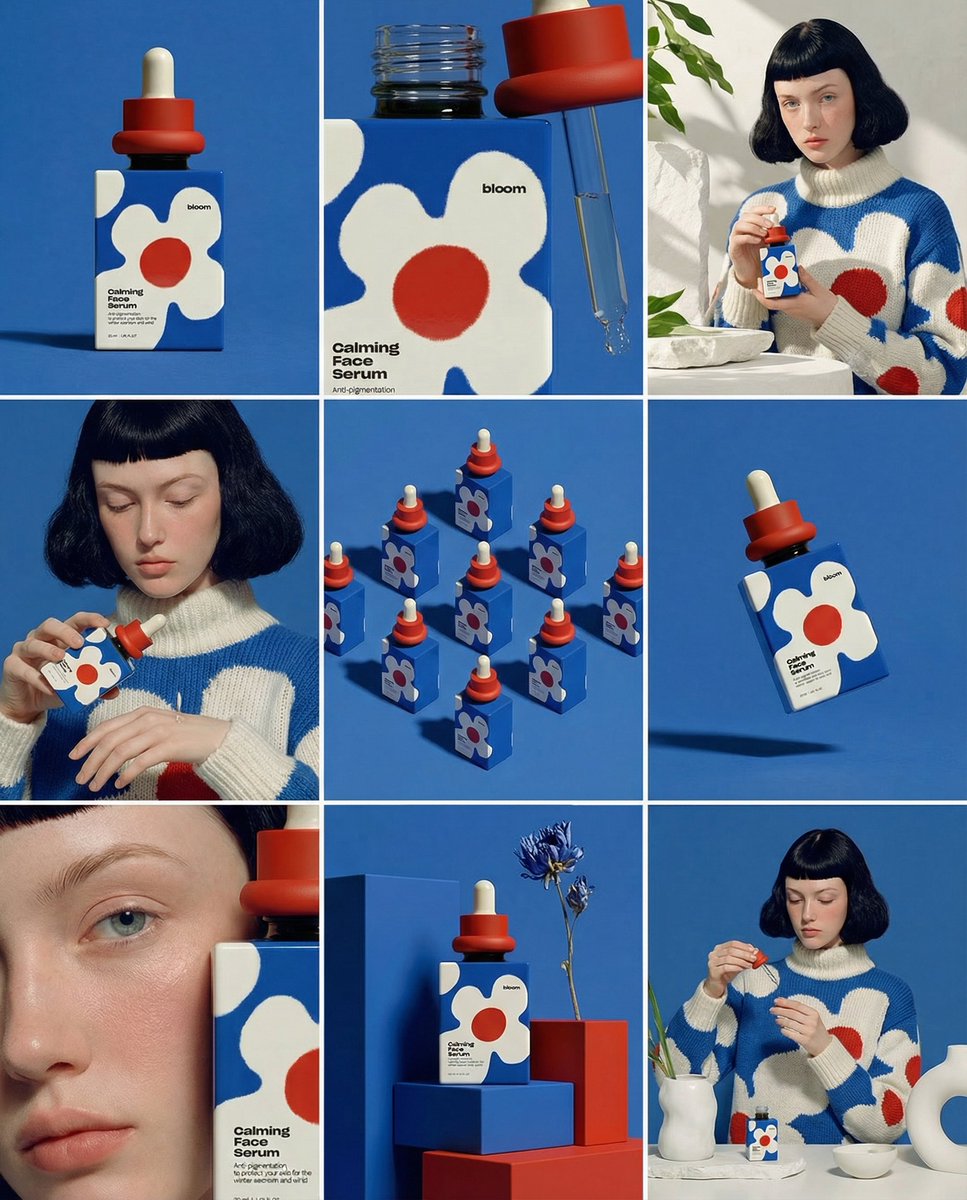
UI & Graphic
Daria_Surkova
A glossy editorial product portrait with dramatic studio lighting, clean typography space, realistic reflections, and precise material detail.
Professional AI Image Generator - Create Stunning 2K & 4K Images
Result appears here
Start generation to preview your image result.
Browse example prompts, adapt the details, and try them in the image generator. Showing 8 of 8.
UI & Graphic
Daria_Surkova
A glossy editorial product portrait with dramatic studio lighting, clean typography space, realistic reflections, and precise material detail.
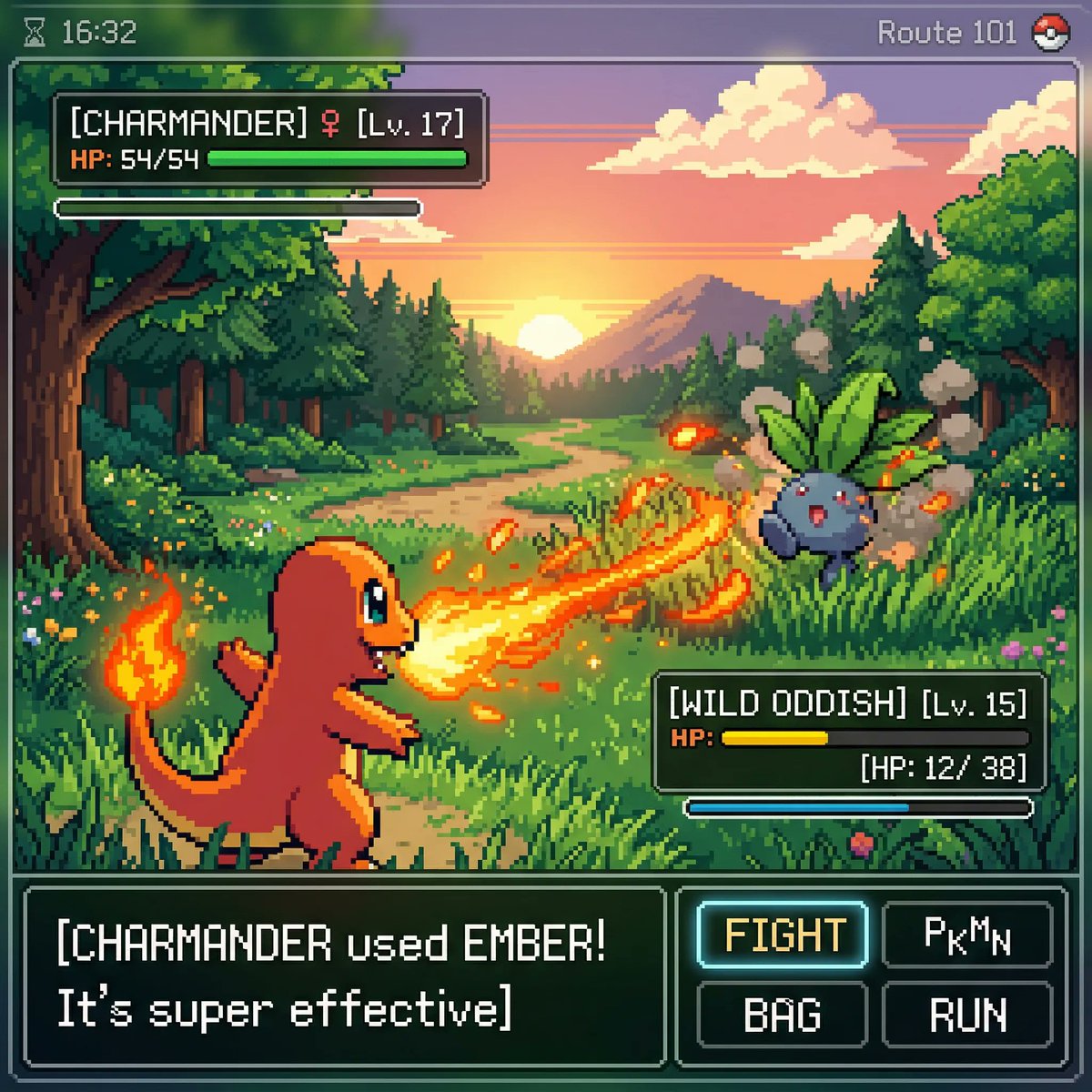
Product & Brand
proper
Create a cinematic lifestyle image with premium composition, shallow depth of field, and warm natural highlights.
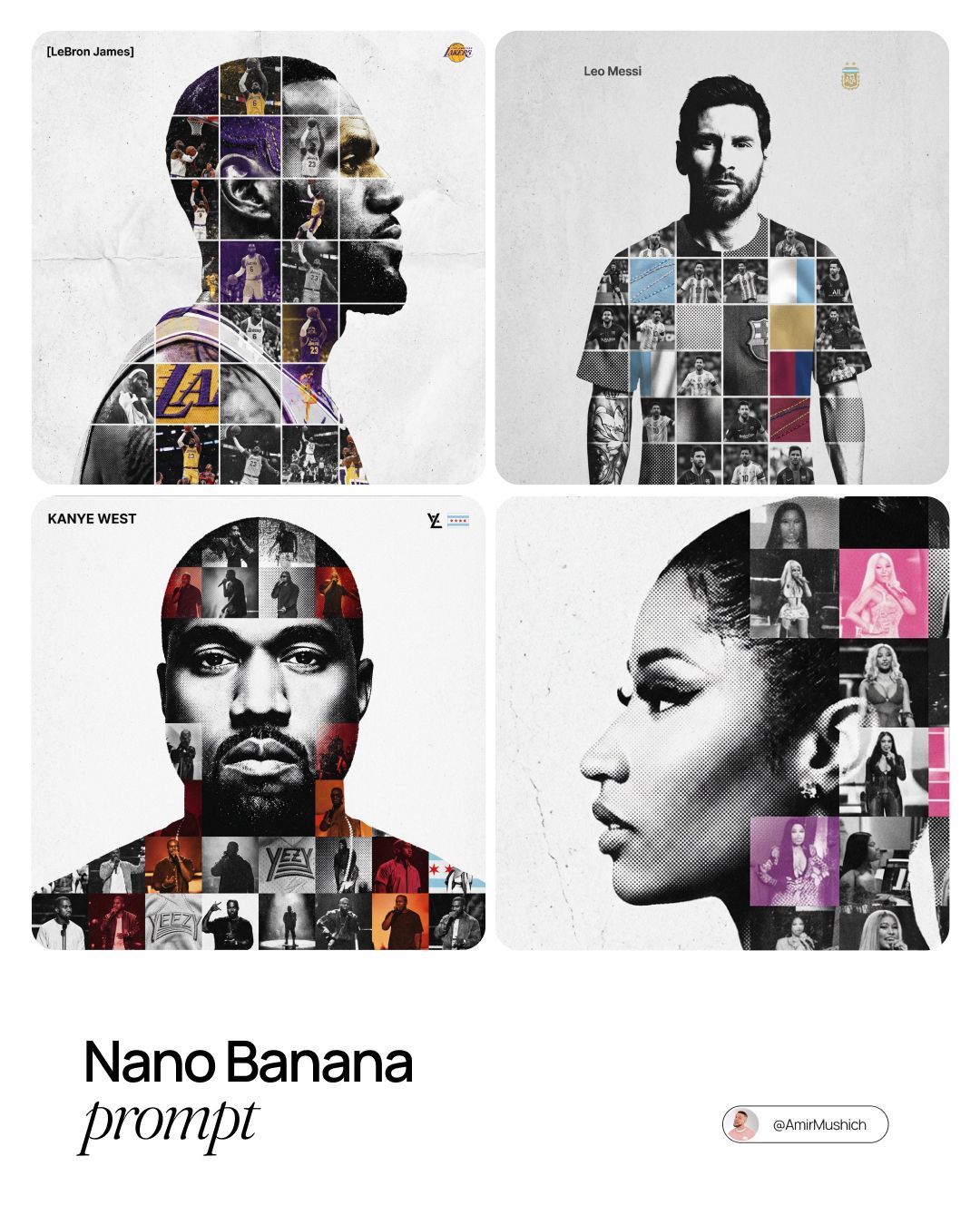
UI & Graphic
AmirMušić
Generate a high-fashion character scene with exact wardrobe texture, confident pose, and magazine-cover lighting.
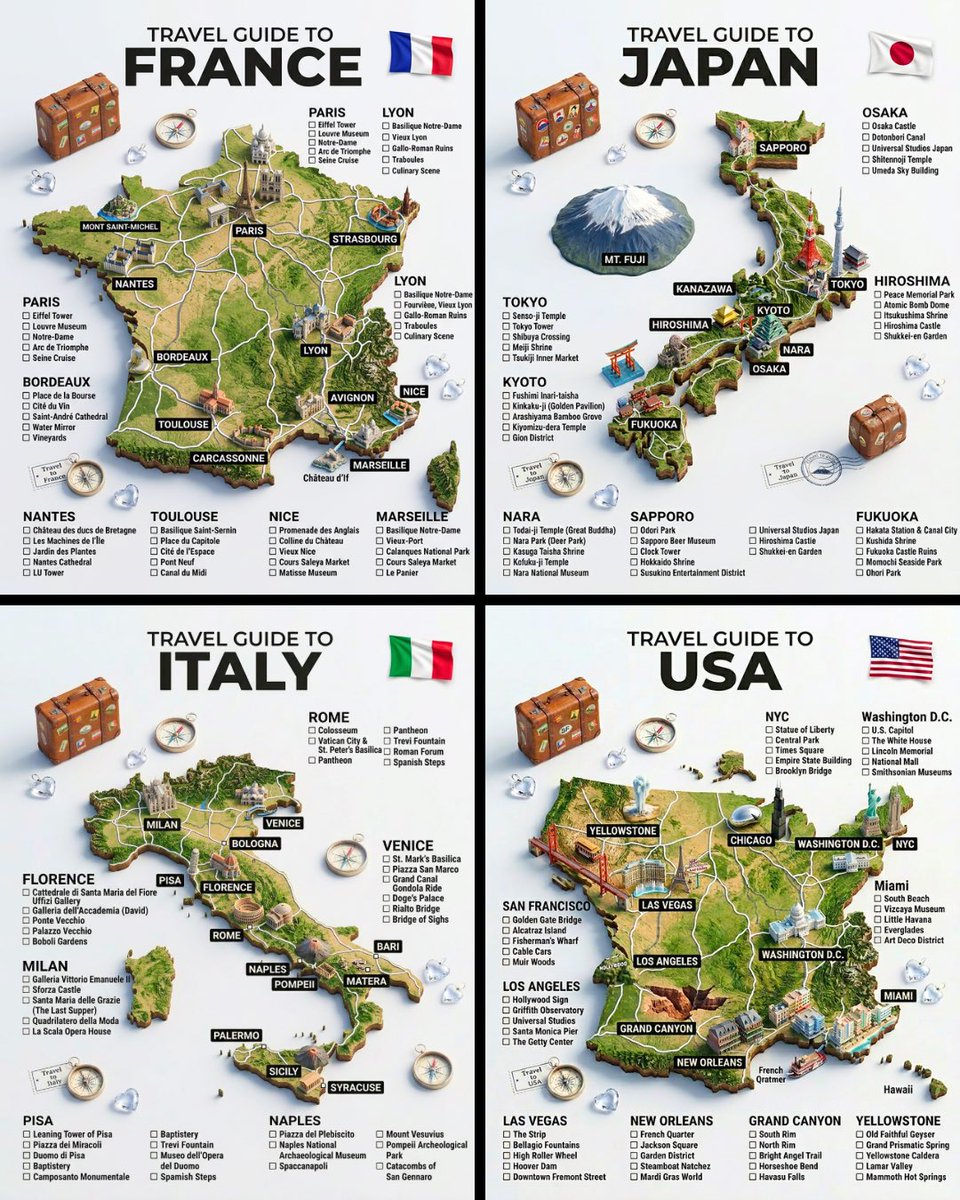
Product & Brand
TechieSA
A futuristic AI product render with clean UI reflections, high contrast rim light, and minimal dark background.
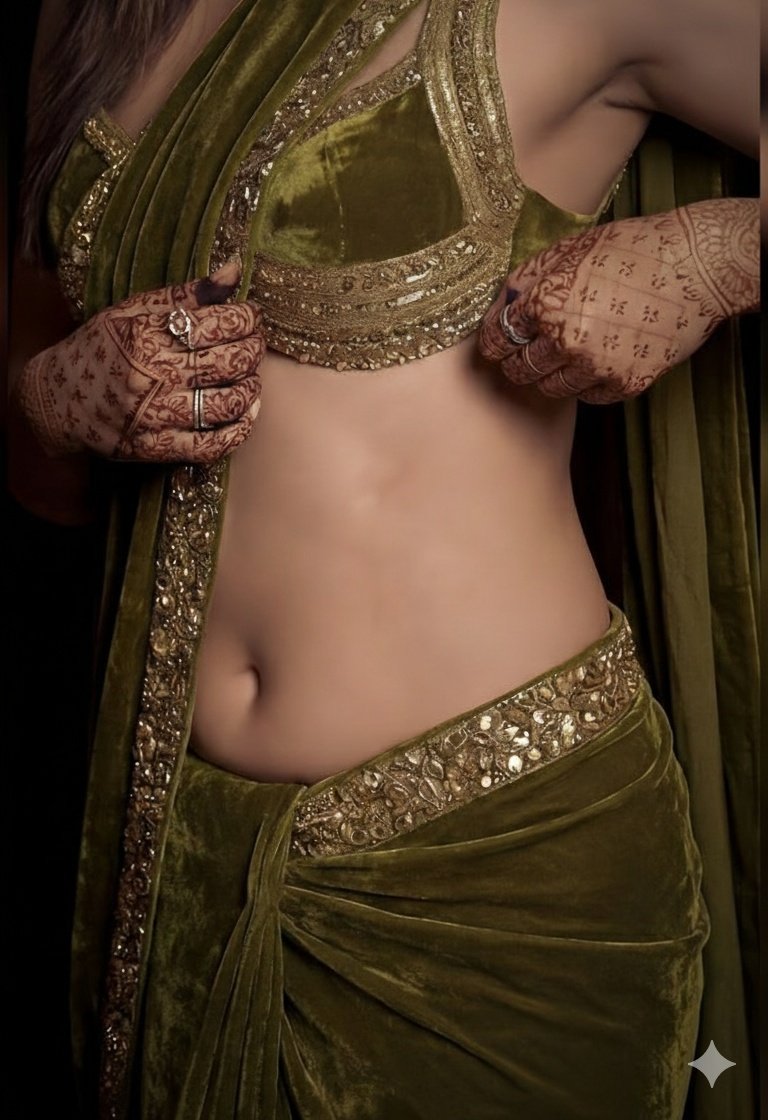
UI & Graphic
FLORA
A dreamy portrait with soft film grain, delicate color grading, and consistent facial identity across the composition.
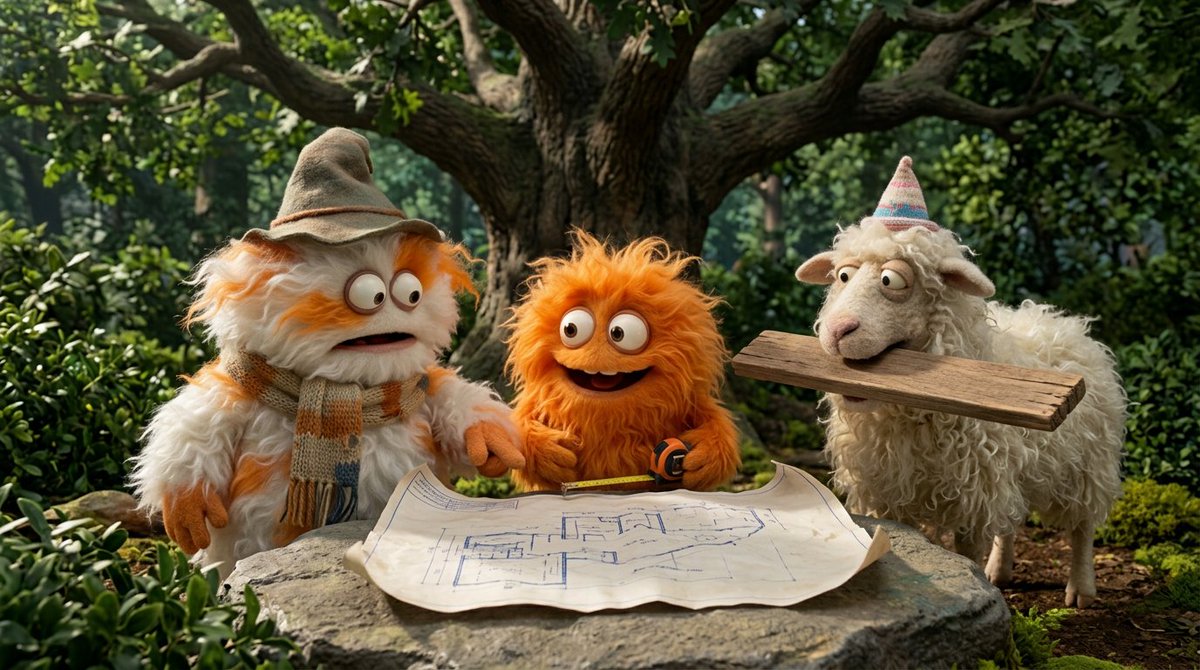
Product & Brand
Google AI
A wide cinematic scene with grounded world details, realistic shadows, and clear subject hierarchy.
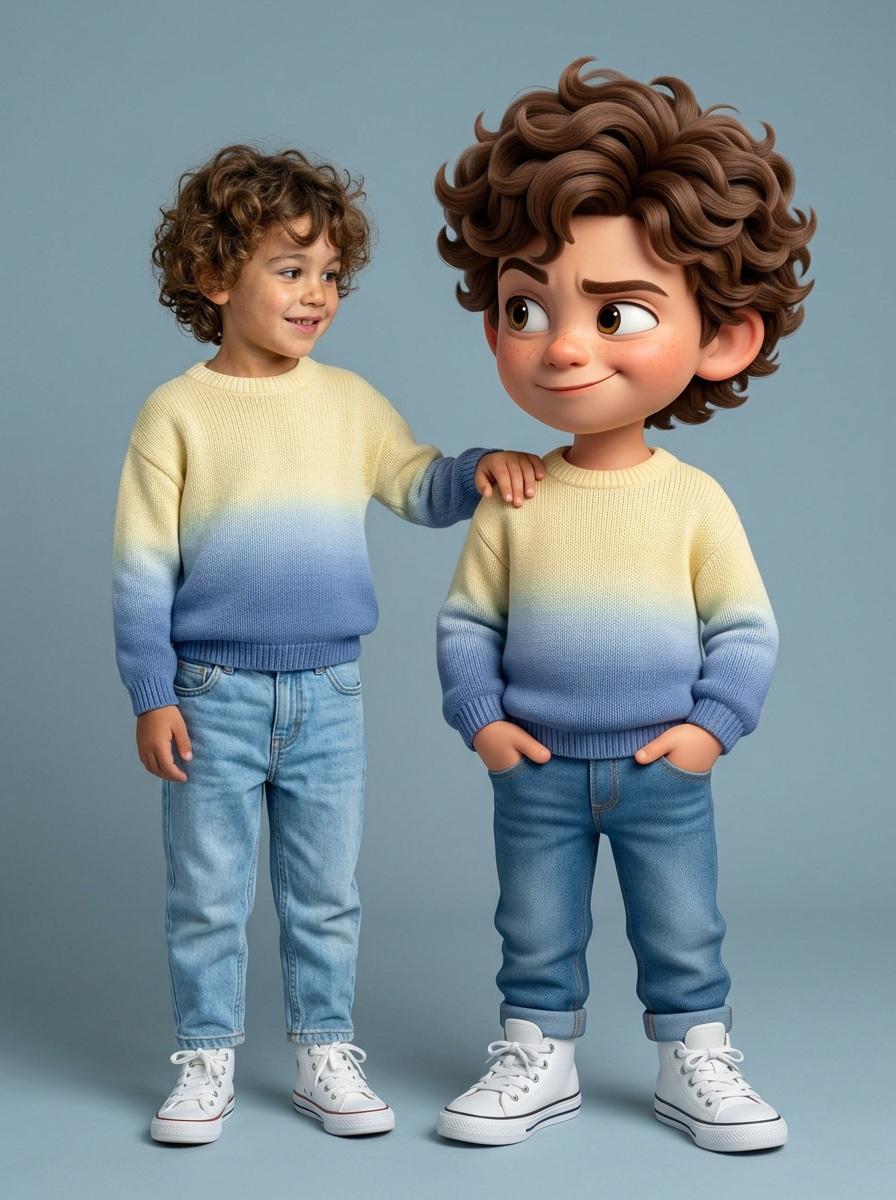
UI & Graphic
Kashberg
Create a polished commercial image with exact product placement, crisp label rendering, and realistic reflections.
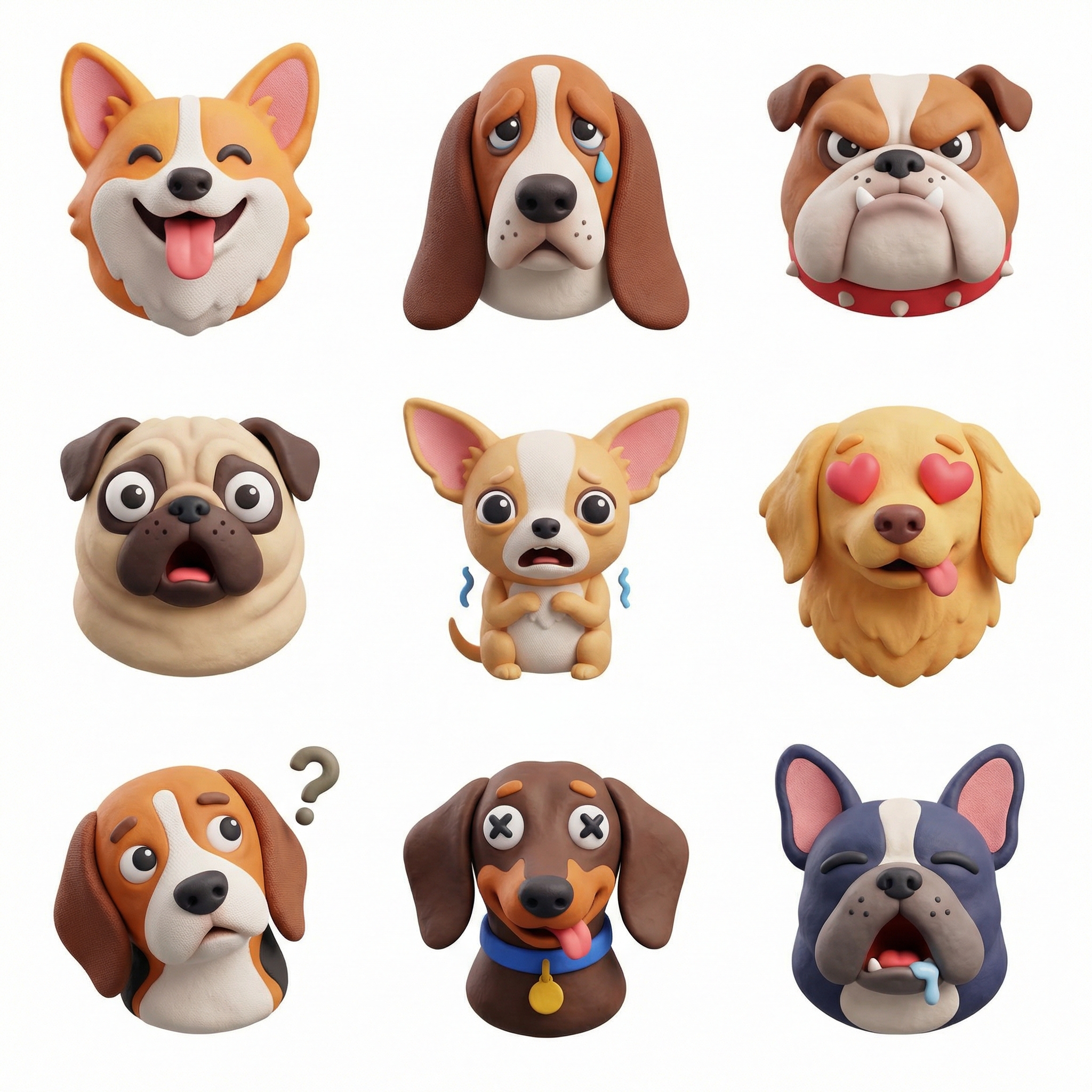
Product & Brand
Nano Banana Pro
Ultra-detailed poster-style image, accurate text rendering, balanced layout, and premium advertising finish.
Nano Banana Pro 是 Nana Banana Pro 创作工作台中的图片模型。前者是模型名称,后者是管理提示词、积分和作品的网站品牌。
先描述一个主要主体、场景、光线和使用目的。需要引导外观时上传参考图,再选择画面比例、输出数量和质量。生成前核对页面显示的积分费用,完成后预览结果,并在个人作品库中下载。
一个哑光绿色陶瓷杯放在浅色石桌上,左侧柔和窗光,四分之三视角,淡淡的阴影,干净背景,右侧留出标题空间,方形产品摄影。请根据项目替换主体和材质。
检查文字、边缘、比例以及与参考图的一致性。效果取决于提示词和设置;建议每次只调整一处细节。需要进一步处理时,可使用背景移除或图片放大工具。