
Multi-Dimensional AI Video Composer
Upload multiple reference images and combine them with creative prompts to let AI deeply understand your visual logic and generate expressive motion graphics.
비디오 생성기
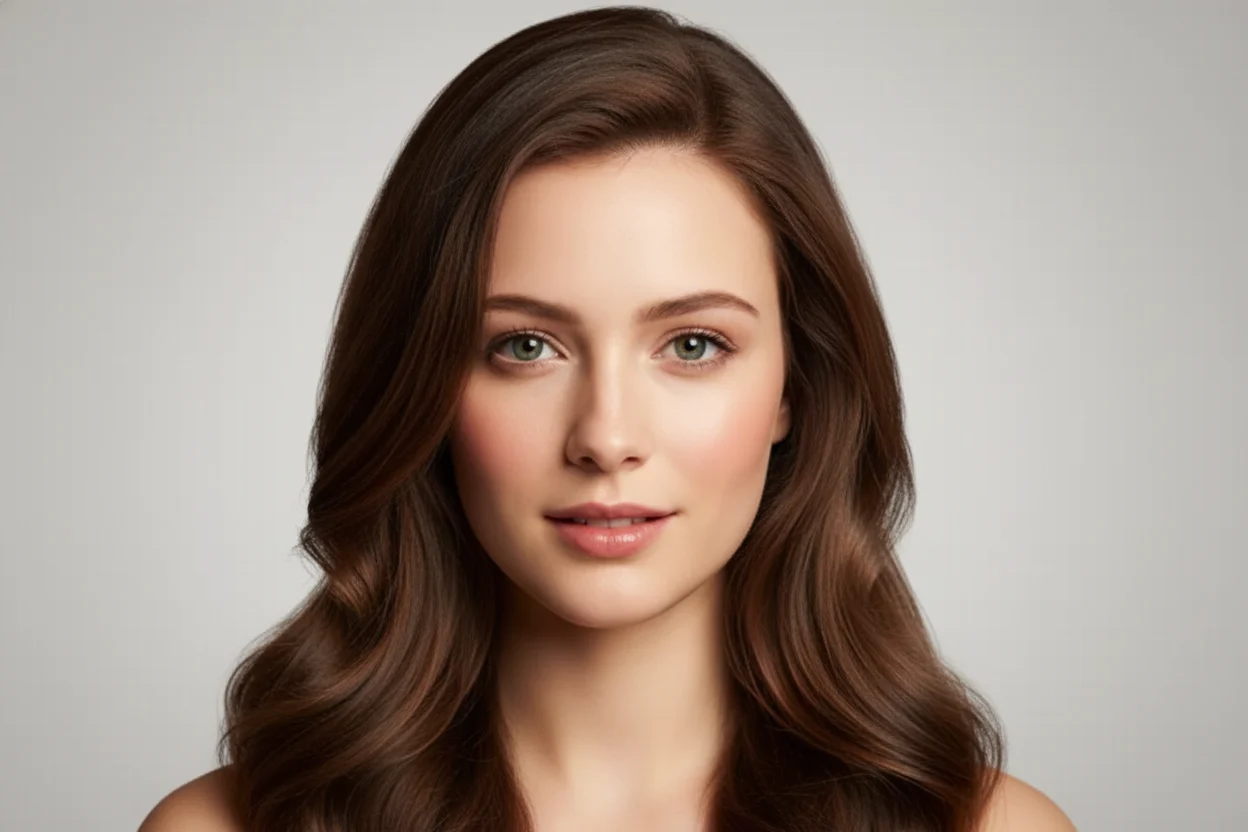
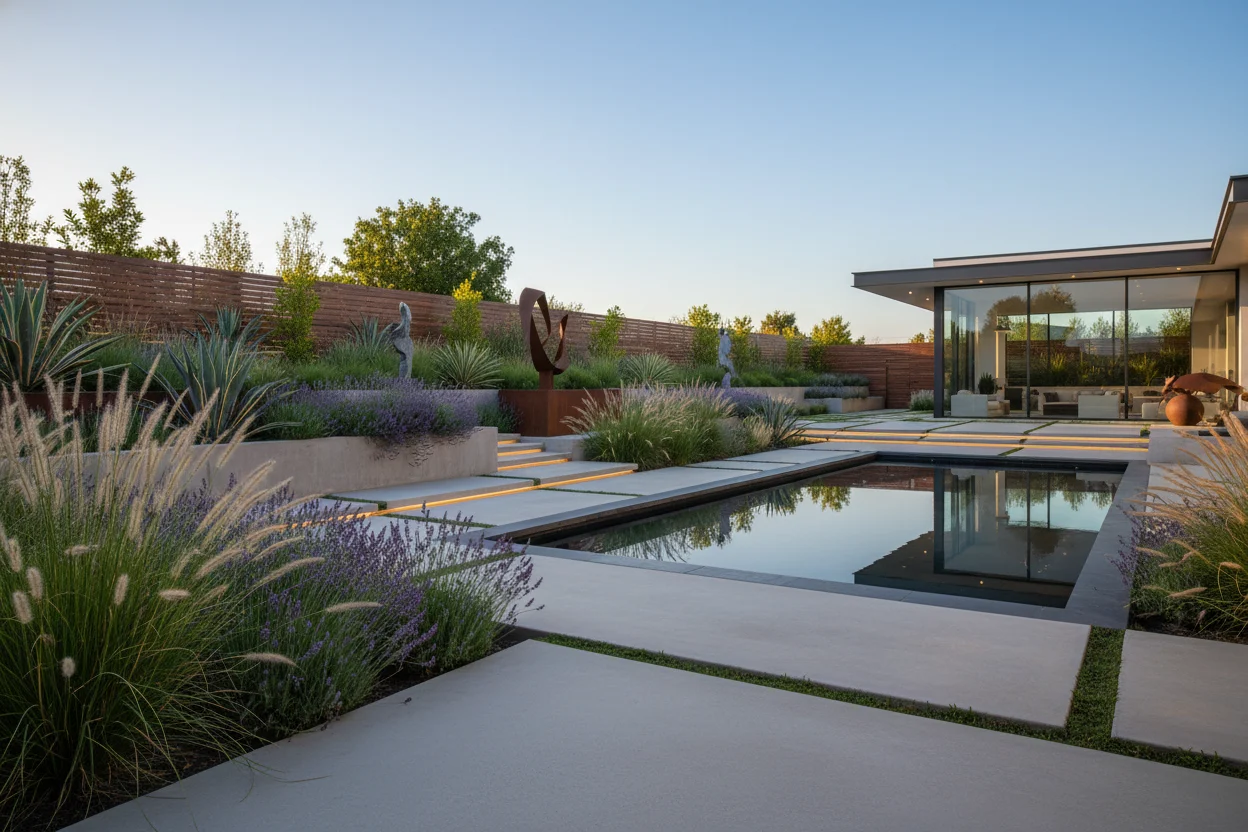
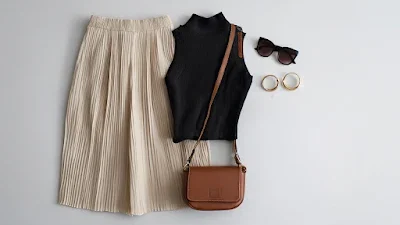
생성된 비디오에 자연스러운 오디오 추가
샘플 비디오 - 이미지를 업로드하여 자신만의 비디오를 만드세요.
Nana Banana Pro AI Usage Guide
아이디어에서 완성 이미지까지의 4단계 흐름. Nana Banana Pro powers fast, reliable creative workflows. Nana Banana Pro keeps visual direction consistent.
비전을 설명하세요
비전을 설명하세요
대상, 스타일, 조명, 핵심 디테일을 정의해 결과를 안내합니다.
참조 이미지를 추가
참조 이미지를 추가
필요하다면 참조 이미지를 업로드해 구성과 스타일을 고정합니다.
생성 및 미리보기
생성 및 미리보기
몇 초 안에 여러 후보를 생성하고 결과를 비교합니다.
선호 결과 내보내기
선호 결과 내보내기
최상의 결과를 다운로드해 프로젝트에 재사용합니다.
Ready to Start Your Nana Banana Pro AI Journey?
이미 Nana AI Studio로 창작 비전을 실현하고 있는 수천 명의 크리에이터에 합류하세요. 강력하고 직관적인 플랫폼으로 지금 바로 AI 이미지를 생성하세요. Nana Banana Pro powers fast, reliable creative workflows. Nana Banana Pro helps teams ship assets faster.
성과로 이어지는 대표 시나리오
Nana AI Studio는 가장 수요가 많은 영상 시나리오를 커버하고, 바로 공개 가능한 고품질 클립을 빠르게 만듭니다. 광고, 콘텐츠, 교육, 데모까지 — 결과는 언제나 전문적이고 일관됩니다.
시작/종료 프레임 확실히
시작과 끝을 제대로 잡습니다. 시작/종료 프레임을 올리면 더 영화 같은 전환을 얻을 수 있어요.
다중 레퍼런스로 룩 통일
여러 레퍼런스 클립으로 비주얼을 안내합니다. 캐릭터, 조명, 색감이 브랜드 톤에 맞게 유지됩니다.
네이티브 오디오 & 효과음
움직임과 타이밍에 맞는 오디오를 추가합니다. 대사, 앰비언스, 효과음이 몰입감을 높여줍니다.
영상 길이 자연스럽게 연장
짧은 클립을 매끄럽게 확장합니다. 급격한 컷 없이 스토리 흐름을 유지해요.
캐릭터 일관성 유지
모든 프레임에서 동일한 정체성과 스타일을 유지합니다. 레퍼런스로 “그 느낌”을 지켜요.
스마트 씬 전환
장면, 시간, 분위기 변화 사이를 부드럽게 연결합니다. AI 편집이 스토리를 자연스럽게 이어줍니다.
Nana Banana Pro AI FAQ
Nana AI Studio 이미지 생성 및 편집에 대한 핵심 답변입니다. Nana Banana Pro powers fast, reliable creative workflows.
Nana AI Studio는 무엇을 위해 설계되었나요?
Nana AI Studio는 프롬프트, 편집, 내보내기를 포함한 빠르고 안정적인 워크플로로 이미지 생성과 편집을 통합합니다.
무료 크레딧이 있나요?
네. 매일 제공되는 무료 크레딧으로 기본 기능을 사용할 수 있고, 업그레이드로 고해상도와 배치 작업을 사용할 수 있습니다.
브랜드 컬러를 일관되게 유지할 수 있나요?
생성기는 ICC/HEX를 인식하고, 에디터에서 팔레트를 잠글 수 있습니다.
다국어 프롬프트를 지원하나요?
Nana AI Studio는 어떤 언어의 프롬프트도 정규화하고 에디터 내 현지화된 문구와 동기화합니다.
생성 속도는 얼마나 빠른가요?
이미지는 몇 초 내에 준비되며, 편집은 실시간으로 업데이트됩니다.