
UI & Graphic
Daria_Surkova
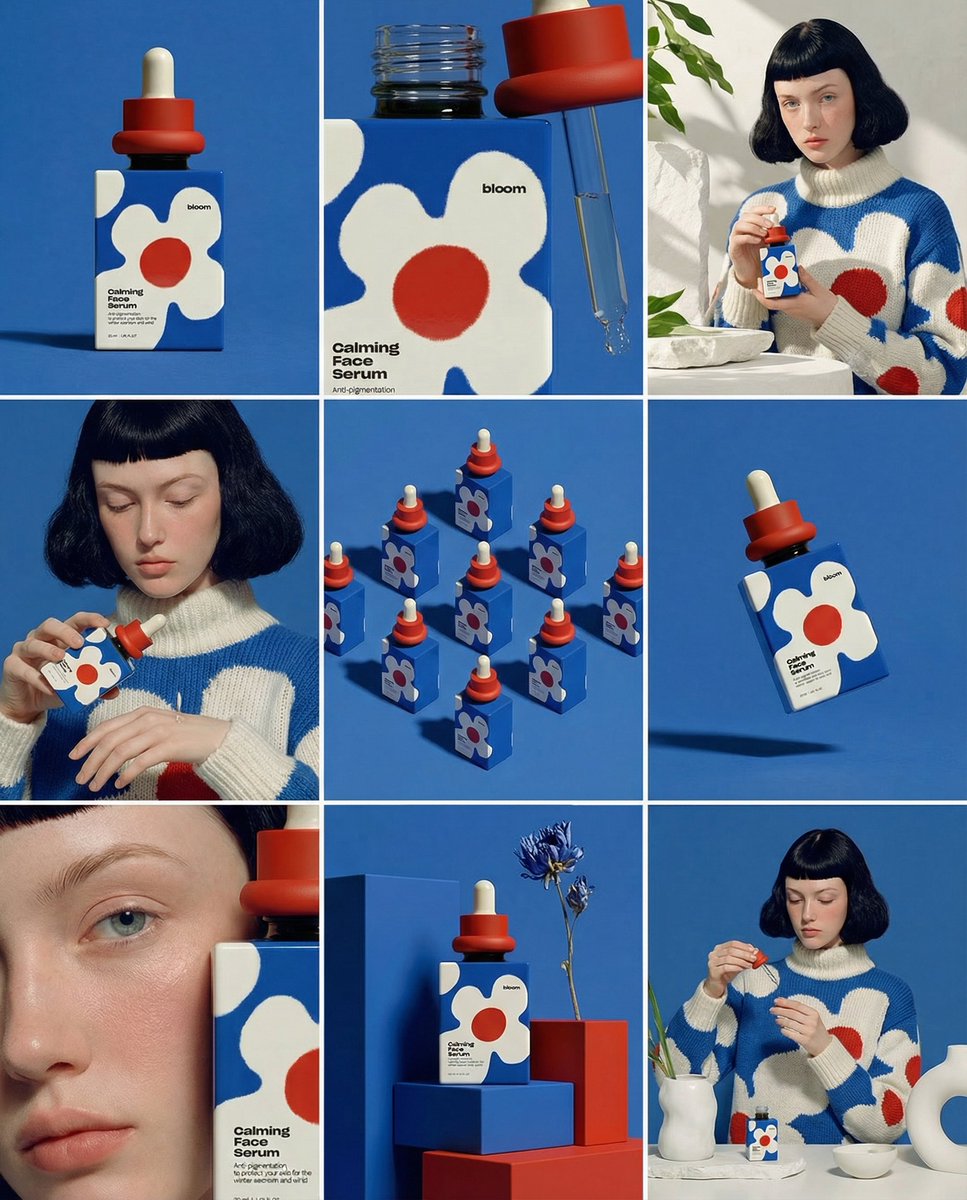
A glossy editorial product portrait with dramatic studio lighting, clean typography space, realistic reflections, and precise material detail.
Professional AI Image Generator - Create Stunning 2K & 4K Images
Result appears here
Start generation to preview your image result.
Browse example prompts, adapt the details, and try them in the image generator. Showing 8 of 8.
UI & Graphic
Daria_Surkova
A glossy editorial product portrait with dramatic studio lighting, clean typography space, realistic reflections, and precise material detail.
Product & Brand
proper
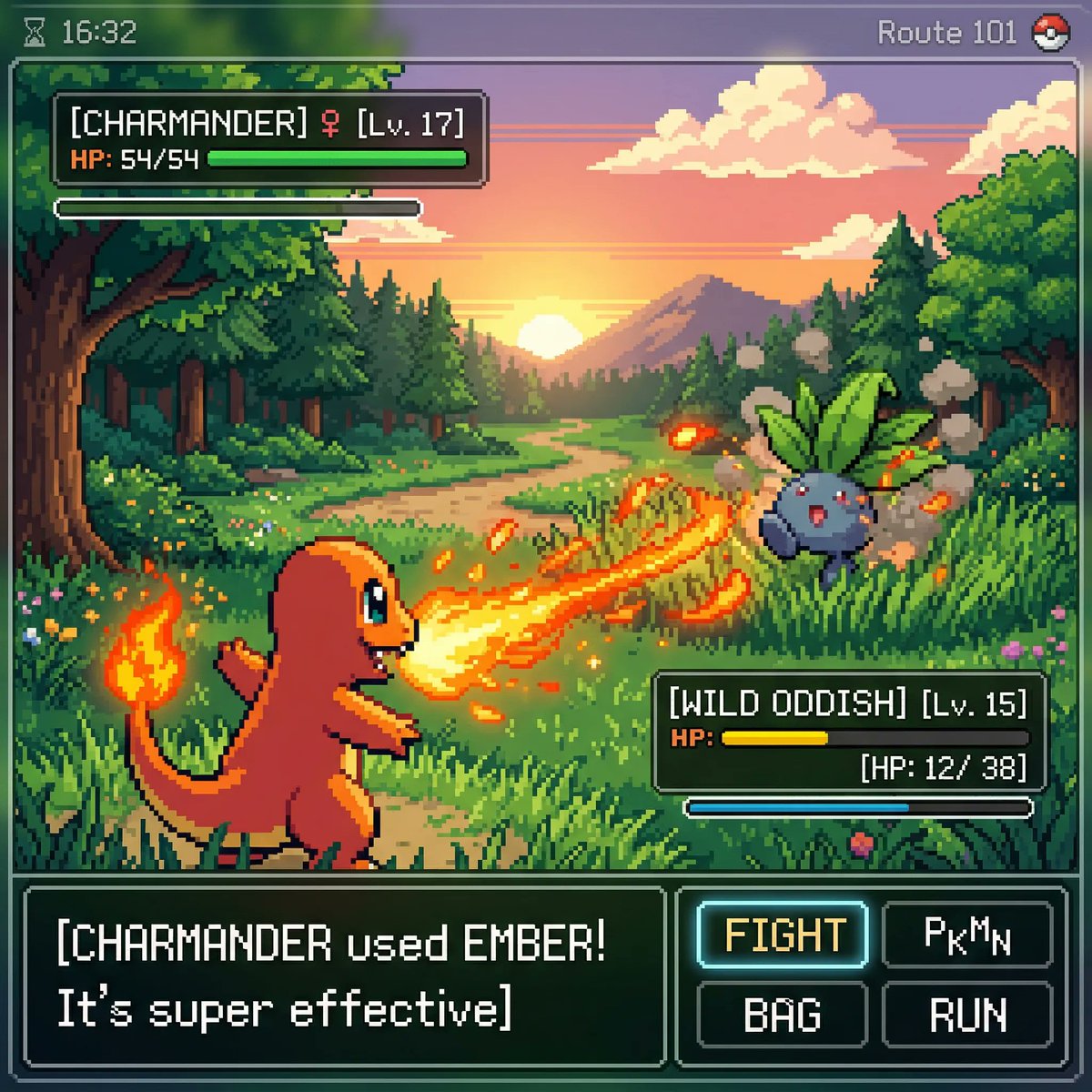
Create a cinematic lifestyle image with premium composition, shallow depth of field, and warm natural highlights.
UI & Graphic
AmirMušić
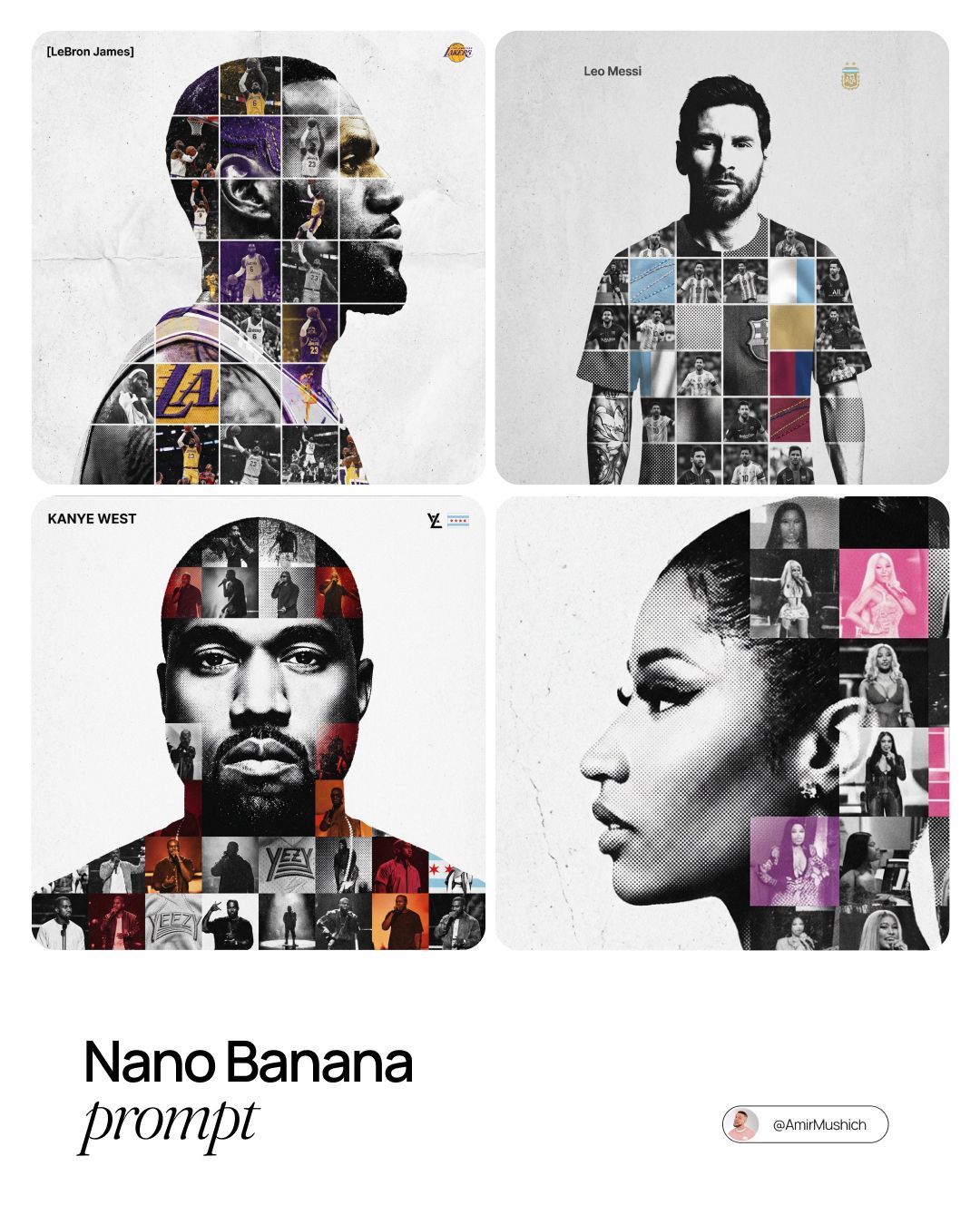
Generate a high-fashion character scene with exact wardrobe texture, confident pose, and magazine-cover lighting.
Product & Brand
TechieSA
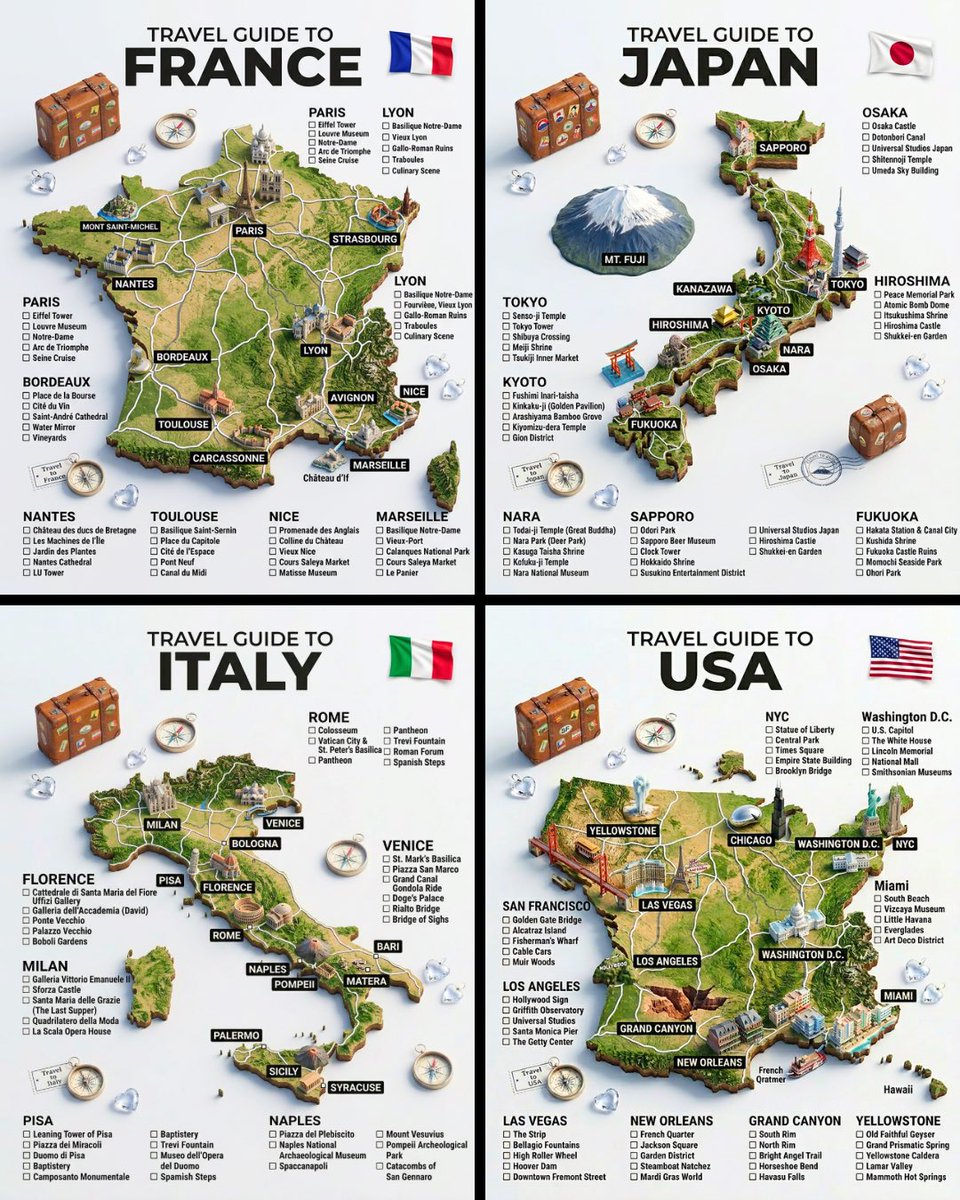
A futuristic AI product render with clean UI reflections, high contrast rim light, and minimal dark background.
UI & Graphic
FLORA
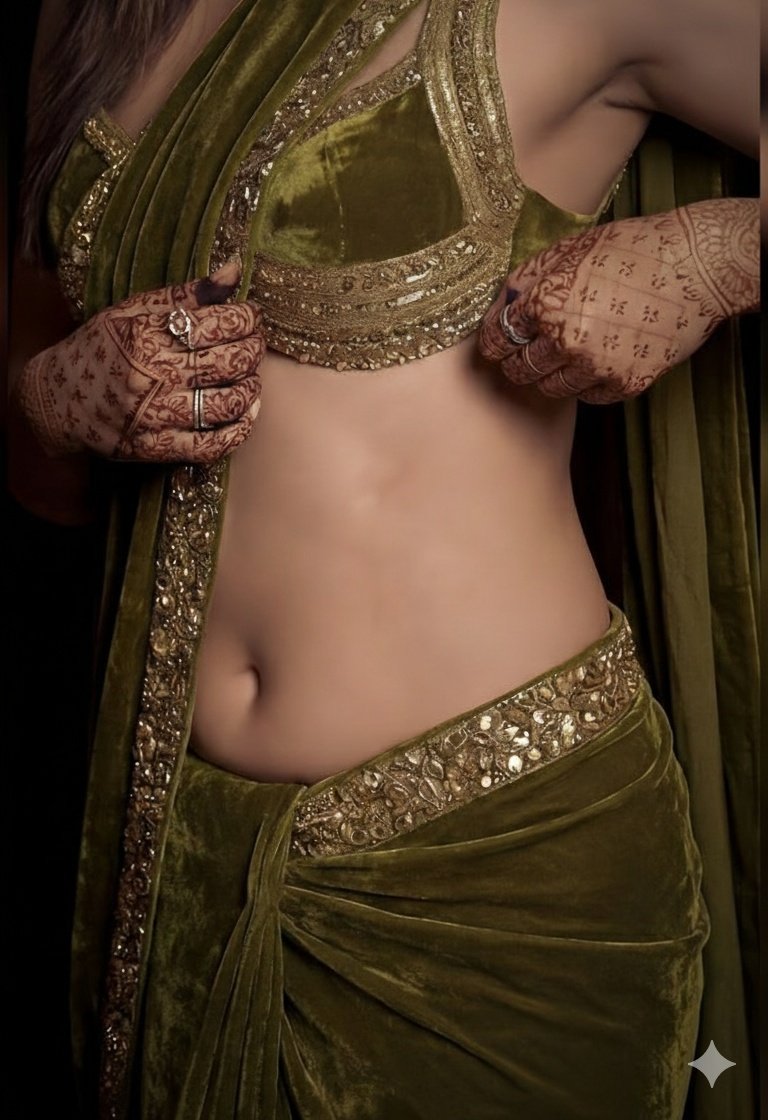
A dreamy portrait with soft film grain, delicate color grading, and consistent facial identity across the composition.
Product & Brand
Google AI
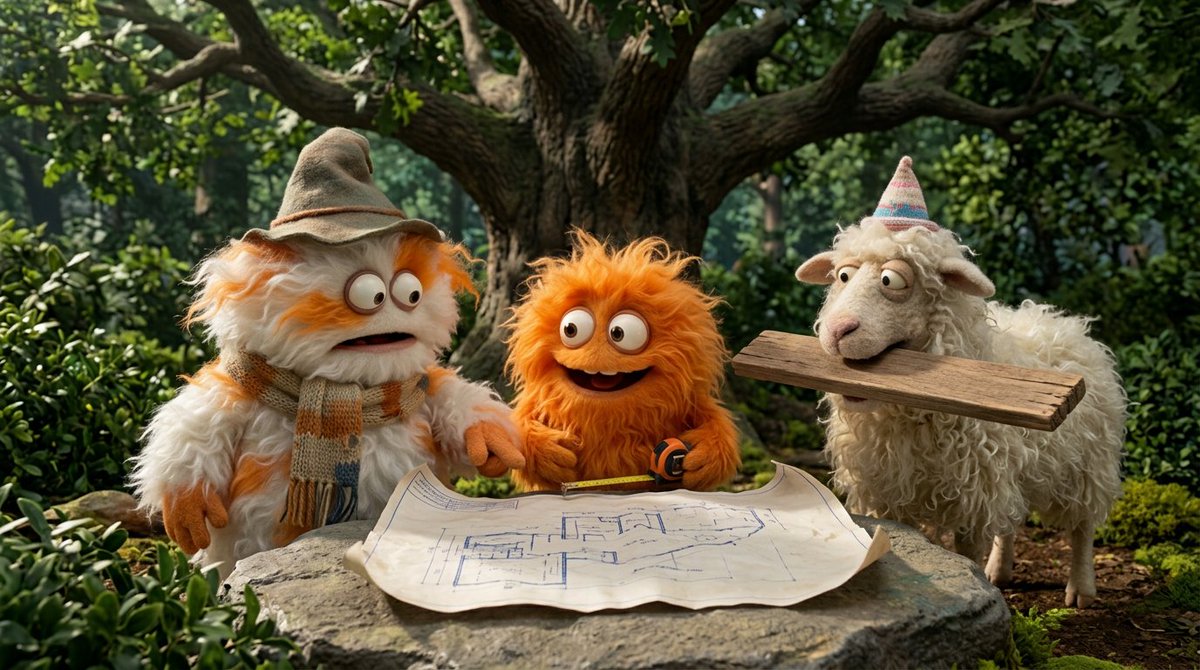
A wide cinematic scene with grounded world details, realistic shadows, and clear subject hierarchy.

UI & Graphic
Kashberg
Create a polished commercial image with exact product placement, crisp label rendering, and realistic reflections.

Product & Brand
Nano Banana Pro
Ultra-detailed poster-style image, accurate text rendering, balanced layout, and premium advertising finish.
Nano Banana Pro is an image model available in the Nana Banana Pro creation workspace. The model name describes the tool; Nana Banana Pro is the site where you manage prompts, credits, and results.
Describe one main subject, its setting, the lighting, and the intended use. Upload a reference when you need to guide appearance. Choose the aspect ratio, output count, and quality, then review the displayed credit cost before generating. Preview the result and find completed tasks in your gallery.
A matte green ceramic mug on a pale stone table, soft window light from the left, three-quarter view, subtle shadow, uncluttered background, space on the right for a headline, square product photograph. Replace the subject and materials to suit your project.
Check lettering, edges, proportions, and consistency with your reference. Results vary with the prompt and settings. Refine one detail at a time; use background removal or upscaling when the image needs further preparation.