
AI Image to Video Generator (Veo 3.1)
Turn one still image into short, deployable videos for ads, product demos, social clips, and UGC concepts. Validate motion fast, then scale winning directions.
AI image to video generator
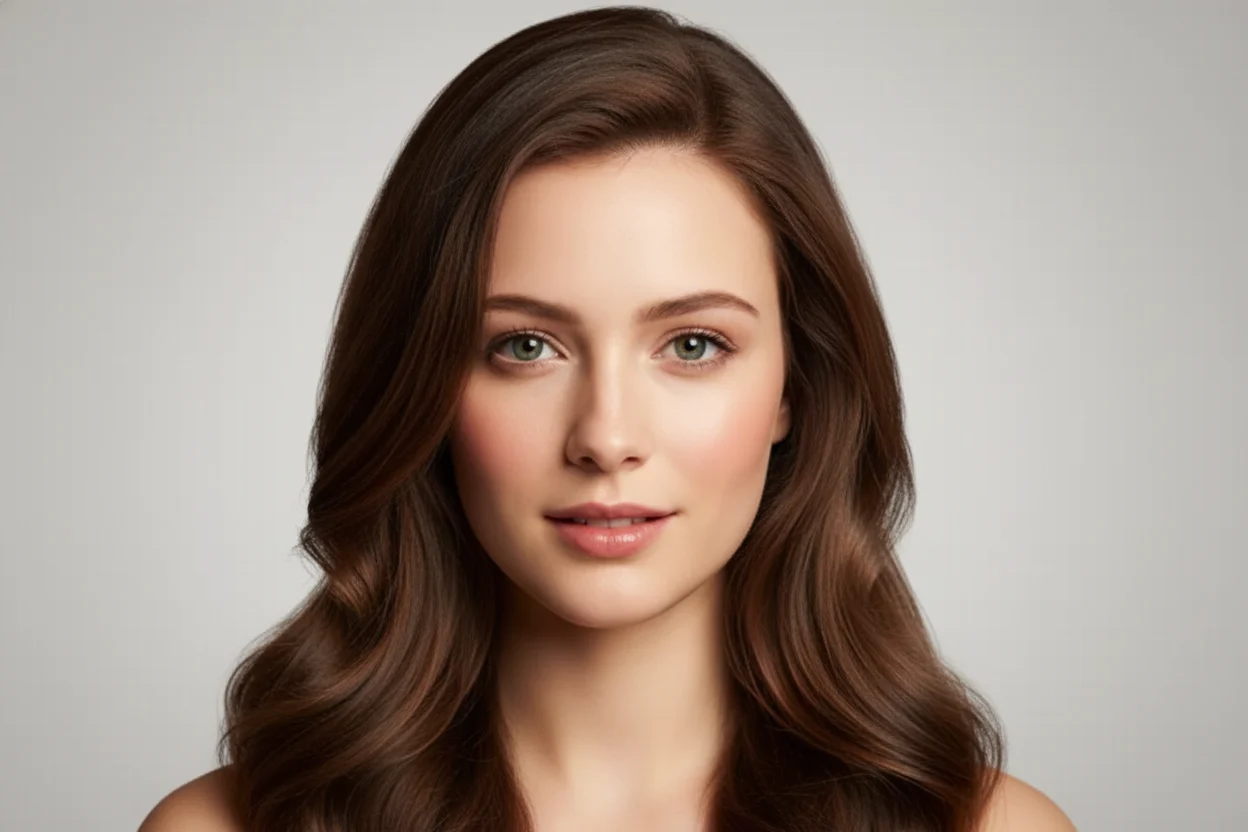
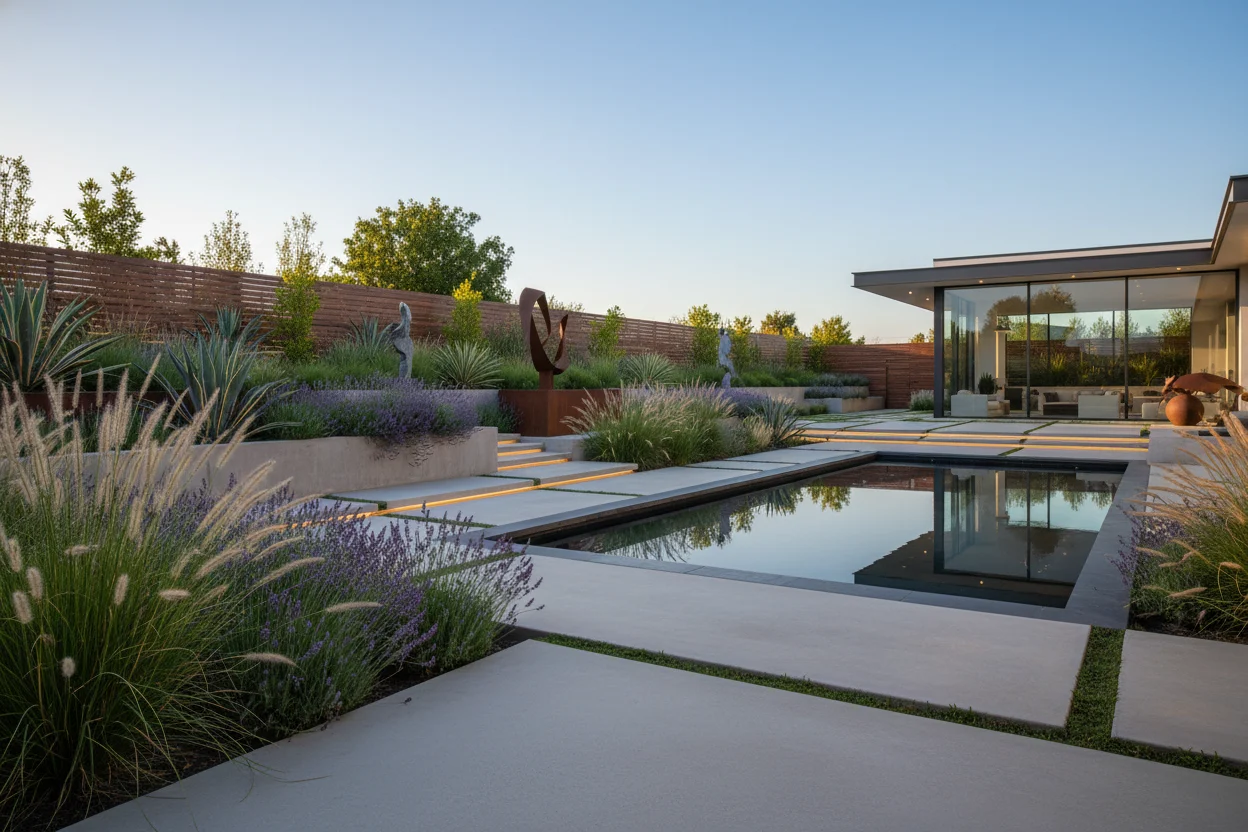
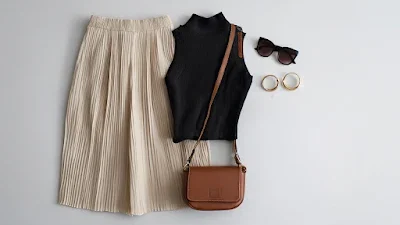
Добавить естественный звук к сгенерированному видео
Пример видео – загрузите свои изображения, чтобы создать собственное видео.
Best Use Cases for Image to Video
Use one source image to create motion-ready assets for paid social, product pages, and creative testing.
Product hero animations
Turn clean product stills into short motion clips for landing pages, PDPs, and paid ads.
Short-form ad tests
Generate multiple motion variations quickly before you commit to full production.
Character and scene motion
Animate portraits, concept art, and key visuals into social-ready clips.
A Better Image to Video Workflow
The highest-converting path is usually to generate or edit a strong still image first, then animate it with the right video model.
Start from a clean still image
Use a polished product image, ad concept, or scene frame as the base. Better source images usually produce better motion clips.
Choose the motion model by outcome
Veo 3.1 is the core motion model in this workflow. Tune prompt and source image quality before scaling generation volume.
Test multiple short variations
Short clips are ideal for ad testing, social loops, landing-page motion, and quick concept validation.
Scale only when the concept works
Use credit-based generation to validate direction first, then increase quality or try more output variations.
How to Choose the Right Starting Point
The best image-to-video result usually comes from matching the workflow to the asset you already have.
Example Outcomes People Actually Want
These are the kinds of outputs that make image-to-video commercially useful rather than just visually interesting.
Skincare product spin-style motion
Start from a clean hero image and animate subtle motion for paid social or PDP media.
Shoe or watch hero clip
Use a premium still, then turn it into a short brand-style motion asset for landing pages and ads.
Character art brought to life
Animate a strong portrait or key visual into a short cinematic clip for social sharing or teasers.
Before-and-after ad storytelling
Take a still concept and create a simple transformation clip for beauty, app, or product messaging.